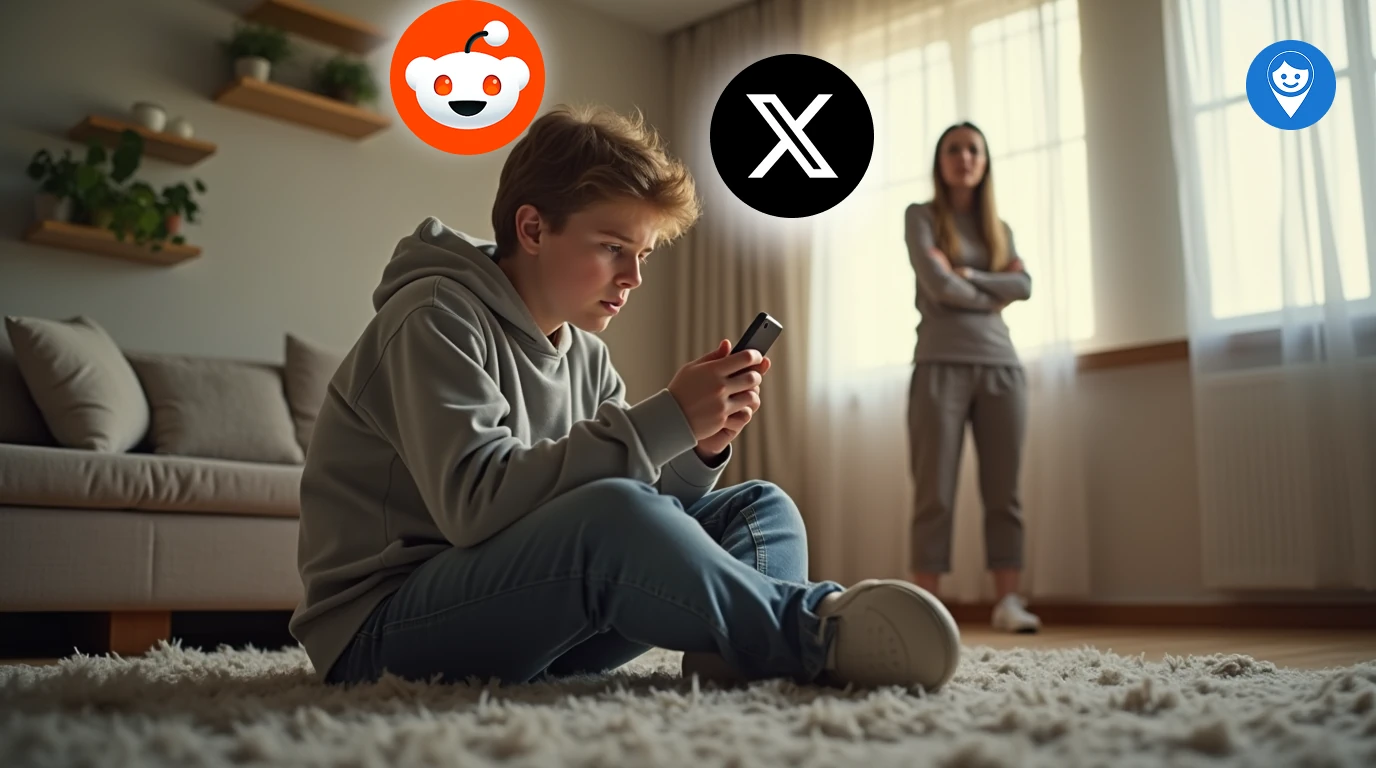
Adult Social MediaWith NSFW filters easily bypassed and hidden accounts on encrypted channels, today’s teens can access adult content on mainstream apps. Below, we reveal 7 adult-oriented platforms your teen might be hiding and show you exactly how to block them in 2026. Combine tech controls with honest dialogue. Tools like Pinardin help you monitor safely, but trust and communication remain crucial.
What Parents Are Searching for in 2026
Based on Google Trends and community forums, parents are asking:
• “How to block adult content on iPhone and Android”
• “Reddit NSFW filter not working”
• “Best parental control app for 2026”
• “Teen using Discord for NSFW chats what to do?”
Understanding these queries guides our step‑by‑step advice below.
1. Reddit
Risk: Thousands of NSFW subreddits slip past age checks. Even with filters on, teens can create alt accounts.
How to Block:
1. In Settings → Feed Settings, toggle Hide NSFW content.
2. Use Pinardin’s keyword monitoring to detect r/nsfw, r/gonewild, and private forums.
2. Discord
Risk: Encrypted, invite‑only servers share explicit media without moderation.
How to Block:
• Restrict incoming invites in User Settings → Privacy & Safety.
• Block unknown domains using Pinardin’s DNS‑level blocking feature.
3. Telegram
Risk: End‑to‑end encrypted channels labeled “educational” or “meme” often hide adult streams.
How to Block:
• Disable public channel discovery in Privacy & Security.
• Monitor new installs and private browsing with Pinardin’s silent alerts.
4. Twitter (X)
Risk: Adult media is algorithmically promoted since content strictions were loosened.
How to Block:
• Enable Safe Search in Settings & Privacy → Privacy and safety.
• Use Pinardin to flag and block adult hashtags.
5. OnlyFans Leaks on Third‑Party Sites
Risk: Pirated adult content proliferates on image‑boards and Tumblr clones.
How to Block:
• Block known leak domains via Pinardin’s custom URL filter.
• Educate your teen on copyright and privacy risks.
6. TikTok
Risk: Creators use emojis, code words (e.g., “🍑”) to slip NSFW clips past moderators.
How to Block:
• Activate Family Pairing, set Restricted Mode.
• Review “Recommended” list weekly in Pinardin dashboard.
7. Snapchat
Risk: “My Eyes Only” and private Snap Map groups facilitate secret exchanges.
How to Block:
• Turn off Snap Map location sharing.
• Require passcode for My Eyes Only and monitor with Pinardin.
How to Protect Your Teen: Step-by-Step
1. Identify Hidden Platforms
Use Pinardin to detect new app installs and private browsing sessions.
2. Understand Psychological Risks
Discuss why NSFW content can harm self‑image and mental health (Pew Research).
3. Implement Advanced Controls
Leverage Pinardin’s blocking, keyword alerts, and usage reports.
4. Have Honest Conversations
Focus on trust over punishment. Share real‑world examples rather than scare tactics.
5. Set Clear Digital Boundaries
Draft a family media agreement: times, places, and content rules.
FAQs
Q: Can I block adult content on both iOS and Android?
A: Yes. Use built‑in OS settings plus Pinardin’s cross‑platform controls to enforce restrictions.
Q: Is monitoring with Pinardin invasive?
A: Pinardin respects privacy parents get alerts about hidden apps and keywords without reading every message.
Q: What age is safe for social media?
A: Most official age ratings start at 13, but maturity varies. Use this guide to decide when your teen is ready.